
Answer questions on the spot
A chat button keeps help within reach while visitors browse your website.
Let visitors message you from your website. Your team can reply, share files and follow up on every conversation from one panel.
A chat button keeps help within reach while visitors browse your website.
Assign each conversation and leave notes so colleagues know what to do next.
Follow response times, team workload and customer feedback in reports.
Three steps from creating an account to your first conversation.
Create an account and add your website inbox.
Copy the installation code into your website and set its appearance.
Invite your colleagues and manage incoming messages from the panel.
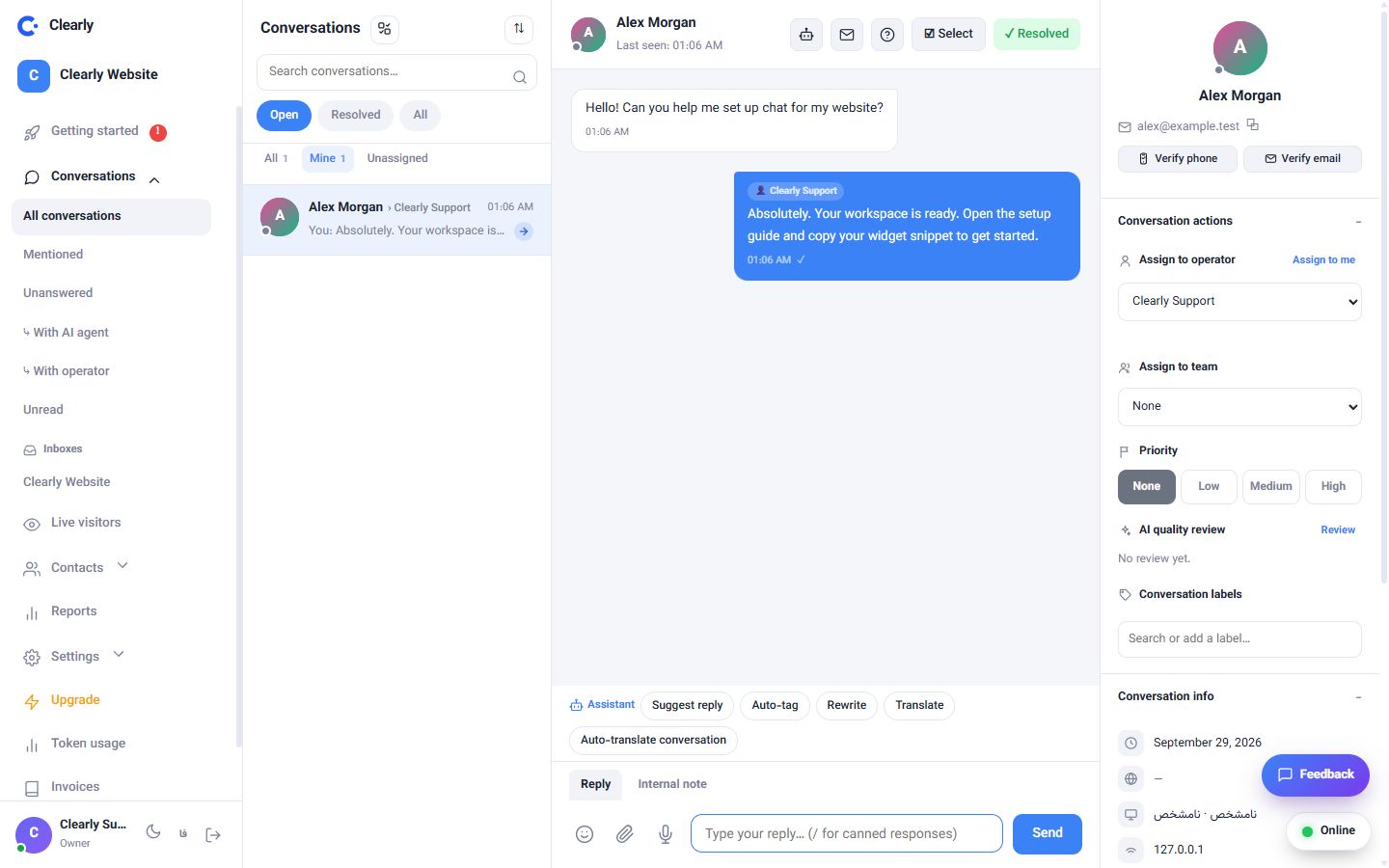
INTERACTIVE DEMO Pick a conversation. Try a reply. Make yourself at home.
See every feature on one page, grouped by what you need to do.
We host the system. Choose a plan and start using your support workspace without setting up a server.
View cloud plansFor companies that want their own deployment. Choose the license, server, installation service and support term.
View enterprise optionsThe chat widget needs a short code added to your website. The setup guide explains the steps; your website administrator can help with installation.
Yes. Invite operators and organize them into teams. The number of members depends on your plan.
Yes. The enterprise plan offers a licensed installation on your infrastructure, with server, setup and support options at checkout.
Plans list their capacity and included features on the pricing page. AI credit and enterprise installation services are shown separately where applicable.
Choose a plan or ask our team for help getting started.